White Screen Online
Open a blank white screen to check your display, light a small subject, or download a white PNG.
What Is a White Screen Website?
A white screen website is a free browser tool that displays a blank white field. The even #FFFFFF background can make dark pixels easier to spot and also works as a simple backdrop for photos, slides, and design work.
What Can You Use a White Screen For?
Check for dark pixels and tint
Look at the edges and center for fixed dark dots or areas that seem warmer, cooler, or dimmer than the rest of the screen.
Use the white screen for fill light
Set a tablet with the white preview beside a small subject you’re photographing. Move the tablet closer or adjust its brightness to soften a shadow.
Use a white screen for tracing
Open the white preview on a tablet. Put a small paper drawing on the lit area, lay a thin sheet over it, and trace the outline with light pressure.
How to Check a Monitor With a White Screen
- Open the white preview on the display you want to check and use your usual brightness setting.
- Scan the center and corners for dark dots, uneven shading, or tint. Check the screen surface if a mark might be dust.
- Compare the same area on black and the primary colors.
The test covers the preview area. Move the window or open the downloaded PNG in an image viewer to inspect other parts of the display.
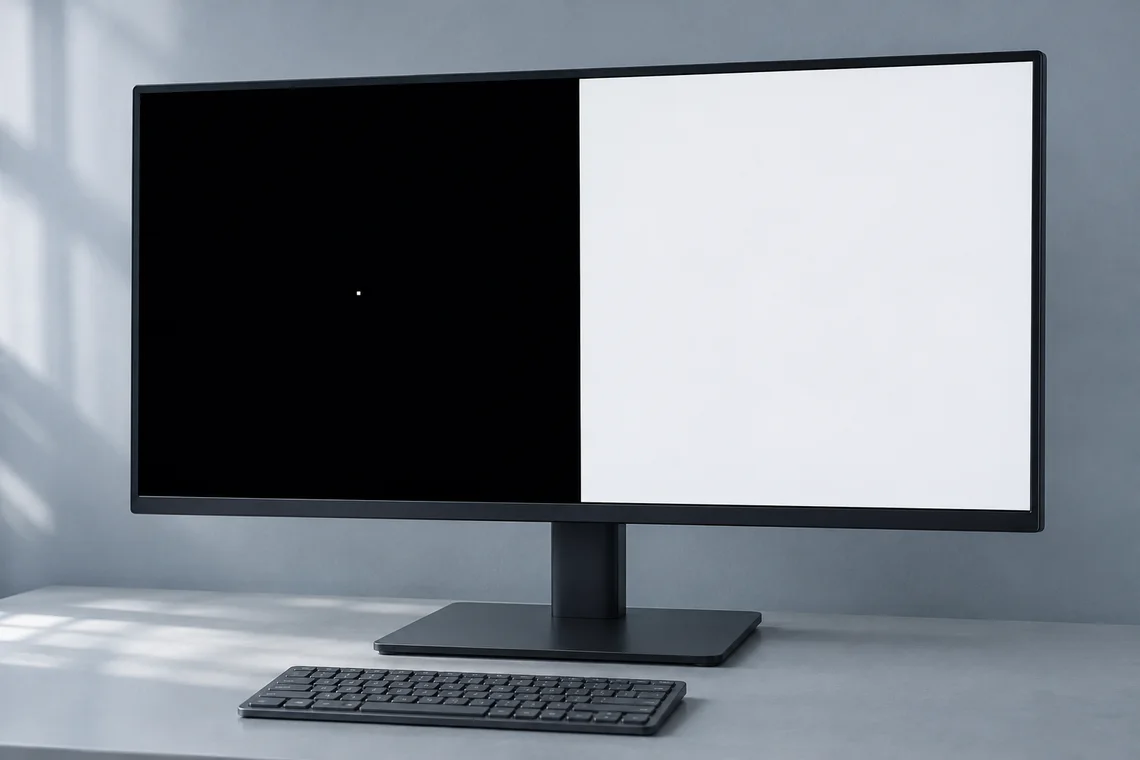
What to look for on each color
- BlackLook for tiny dots that stay lit. On an LCD, check the edges as well.
- WhiteLook for dark dots, patches of tint, or dimmer areas.
- Red, green, and blueSee whether a spot changes as you switch between the primary colors.
- GrayCompare the brightness and tint from one area of the display to another.
Download a White Screen Image in 1080p or 4K
Choose Full HD for a solid white 1080p image (1920 × 1080), 4K UHD for 3840 × 2160, or Square for a 1080 × 1080 layout. Then select Download PNG. Every pixel uses pure white (#FFFFFF).
| Format | Dimensions |
|---|---|
| HD | 1280 × 720 px |
| Full HD | 1920 × 1080 px |
| QHD | 2560 × 1440 px |
| 4K UHD | 3840 × 2160 px |
| Phone | 1080 × 1920 px |
| Square | 1080 × 1080 px |
Frequently asked questions
How do I open a blank white screen?
Select White in the color controls. The preview area will show a uniform white field.
Is the exported white really #FFFFFF?
Yes. The PNG uses #FFFFFF at every pixel, at the dimensions you select.
Can I use a white screen as a light source?
A tablet or monitor can add some fill light at close range. You can regulate it with your normal brightness controls.
What should I use to check for a dark pixel?
Start with white. Then check whether the same dot stays dark on red, green, and blue.
Can I save a white background for a phone?
Yes. The Phone preset exports a portrait PNG at 1080 × 1920.