Black Screen Online
Open a pure black screen, check your monitor with solid colors, or download a black background as a PNG.
Prank Screens
Fake Update Screens
Screensavers
What Is a Black Screen Website?
A black screen website is a free browser tool that displays a solid black field. A plain #000000 background makes it easier to spot bright pixels, see smudges under room light, or keep a second display dark for a moment. You can also save the same color as a PNG.
What Can You Use a Black Screen For?
Check a monitor for bright pixels
Start with black and scan for a point that stays lit. Switch to white or red, green, and blue to compare the same spot. Dark pixels usually stand out better on white.
See how an OLED display handles black
OLED pixels can switch off to show pure black, which can reduce the power the display uses. Battery life still depends on brightness, the device, and the apps that are running.
Check for dust before cleaning your monitor
Open a black screen to see where dust and fingerprints catch the light. A desk lamp off to the side can make them easier to spot. Follow your monitor manufacturer’s instructions when you clean the screen.
Dim a spare display
Put the black preview on a secondary monitor while you watch a movie or share your main screen. If your eyes need a break, look away from the display for a while.
How to Check a Monitor With a Black Screen
- Move this browser window to the display you want to inspect. Maximize the browser window if you need a larger preview area.
- Check the black field for a bright or colored dot. Look across the center and around the corners.
- Compare the same spot on white and on the red, green, and blue backgrounds. If a mark stays in the same place, check the panel surface and the maker’s pixel policy.
Use the button in the lower-right corner of the preview to see the color in fullscreen. Click or tap the screen, or press Esc to exit.
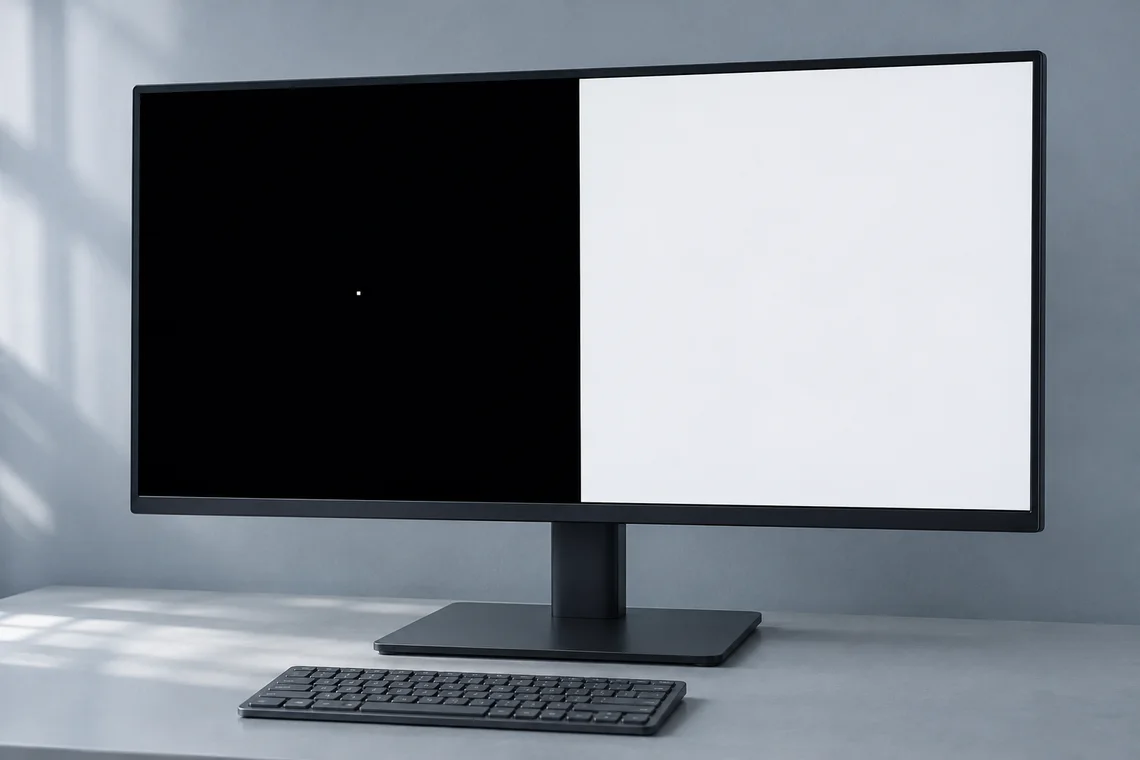
What to look for on each color
- BlackLook for tiny dots that stay lit. On an LCD, check the edges as well.
- WhiteLook for dark dots, patches of tint, or dimmer areas.
- Red, green, and blueSee whether a spot changes as you switch between the primary colors.
- GrayCompare the brightness and tint from one area of the display to another.
How to Download a Black Background PNG
Choose an image size and select Download PNG. Pick Full HD for a 1080p image (1920 × 1080), 4K UHD for 3840 × 2160, or Phone for a portrait image (1080 × 1920). The file is generated in your browser with a solid #000000 fill.
| Format | Dimensions |
|---|---|
| HD | 1280 × 720 px |
| Full HD | 1920 × 1080 px |
| QHD | 2560 × 1440 px |
| 4K UHD | 3840 × 2160 px |
| Phone | 1080 × 1920 px |
| Square | 1080 × 1080 px |
Frequently asked questions
How do I open a black screen in my browser?
Open this page and select Black. You can move the browser window to whichever display you want to check.
Does the black screen power off my monitor?
The display remains on and draws the black preview. Use your device’s power controls if you want to turn the display off.
Can a black screen find dead pixels?
Black helps reveal dots that stay lit. Try white for a dark pixel and the RGB colors to see how that spot reacts.
Is a 4K black image available?
Yes. Choose 4K UHD for a 3840 × 2160 black PNG.
Can a black screen save battery?
Pure black can reduce OLED display power. The effect on total battery use varies, and LCD panels generally keep their backlight on.