Gray Screen Online
Show #808080 in fullscreen to check your monitor, or download it as a solid PNG background.
A Solid Color for Display Testing
The preview starts at #808080. Fullscreen mode fills the entire test area with this color.
What to Look For
Gray Screen
Compare the center and edges for shifts in brightness, tint, or shading.
How to Check Your Display
- Open the preview on the display you want to test and set it to your usual brightness.
- Scan the center, corners, and edges. Switch colors to compare the same spot.
Use the button in the lower-right corner of the preview to see the color in fullscreen. Click or tap the screen, or press Esc to exit.
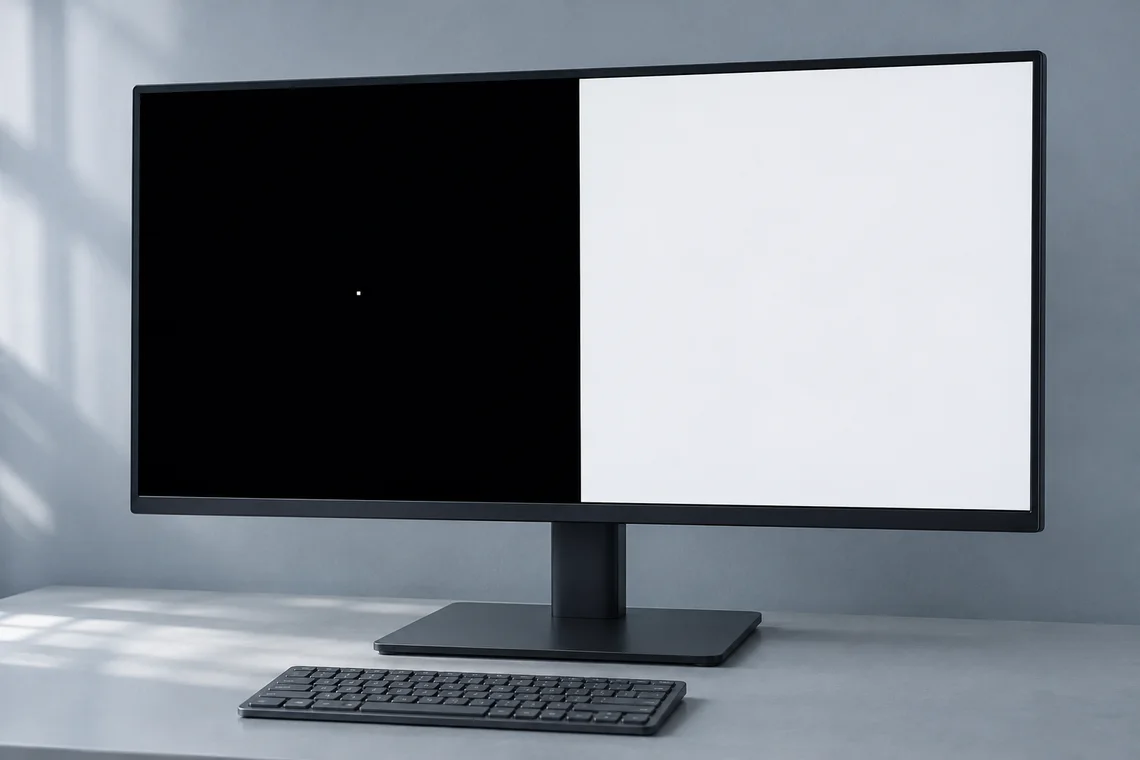
What to look for on each color
- BlackLook for tiny dots that stay lit. On an LCD, check the edges as well.
- WhiteLook for dark dots, patches of tint, or dimmer areas.
- Red, green, and blueSee whether a spot changes as you switch between the primary colors.
- GrayCompare the brightness and tint from one area of the display to another.
Download PNG
Choose a resolution and select Download PNG. The file uses the color shown in the preview.
| Format | Dimensions |
|---|---|
| HD | 1280 × 720 px |
| Full HD | 1920 × 1080 px |
| QHD | 2560 × 1440 px |
| 4K UHD | 3840 × 2160 px |
| Phone | 1080 × 1920 px |
| Square | 1080 × 1080 px |
Frequently asked questions
Can I save this color in 4K?
Yes. Select 4K UHD to generate a 3840 × 2160 PNG.