Green Screen Online
Show #00FF00 in fullscreen to check your monitor, or download it as a solid PNG background.
A Solid Color for Display Testing
The preview starts at #00FF00. Fullscreen mode fills the entire test area with this color.
What to Look For
Green Screen
Check whether a dot looks unusually dark or discolored on the green field.
How to Check Your Display
- Open the preview on the display you want to test and set it to your usual brightness.
- Scan the center, corners, and edges. Switch colors to compare the same spot.
Use the button in the lower-right corner of the preview to see the color in fullscreen. Click or tap the screen, or press Esc to exit.
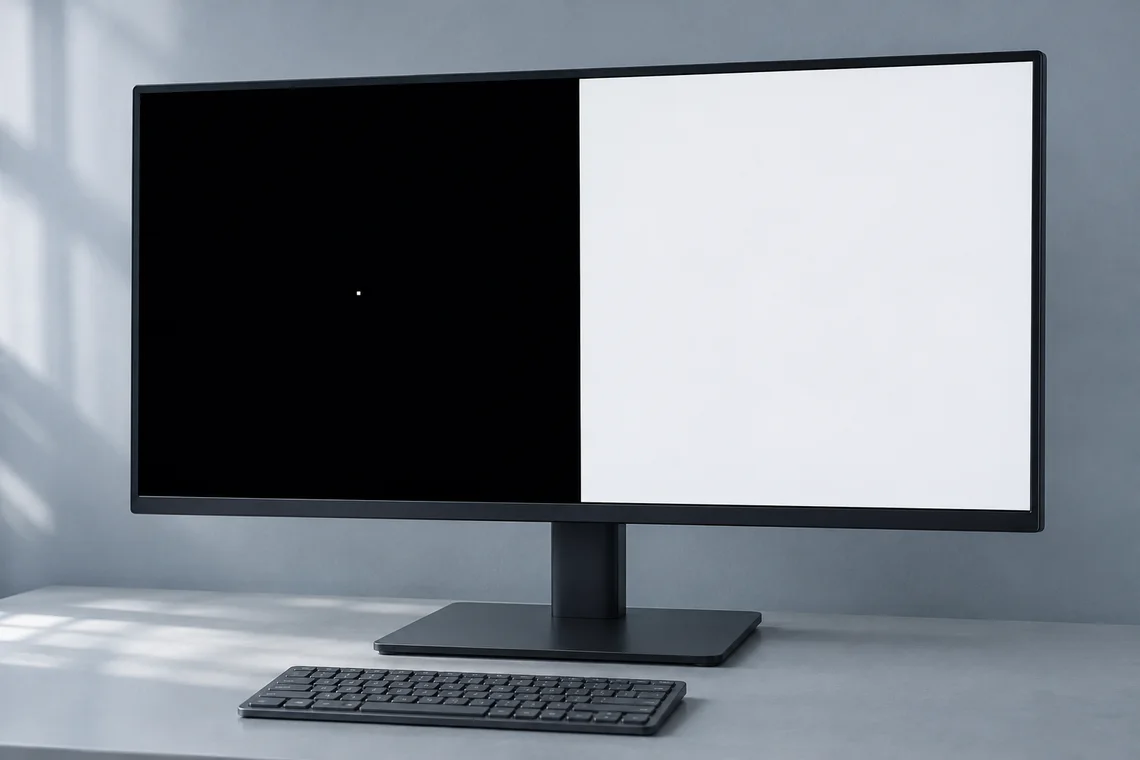
What to look for on each color
- BlackLook for tiny dots that stay lit. On an LCD, check the edges as well.
- WhiteLook for dark dots, patches of tint, or dimmer areas.
- Red, green, and blueSee whether a spot changes as you switch between the primary colors.
- GrayCompare the brightness and tint from one area of the display to another.
Download PNG
Choose a resolution and select Download PNG. The file uses the color shown in the preview.
| Format | Dimensions |
|---|---|
| HD | 1280 × 720 px |
| Full HD | 1920 × 1080 px |
| QHD | 2560 × 1440 px |
| 4K UHD | 3840 × 2160 px |
| Phone | 1080 × 1920 px |
| Square | 1080 × 1080 px |
Frequently asked questions
Can I save this color in 4K?
Yes. Select 4K UHD to generate a 3840 × 2160 PNG.